Our Story
It is how we strive for excellence and why we work so hard for everyone in our community.
Our Brand
is the articulation of what we already understand about ourselves. It is a declaration of our identity and a promise to uphold those values and commitments that make us who we are. Our brand style guide helps us clarify how we can best reinforce that identity in all of our communications. As a community, we build strong brand consistency when we maximize the effects of all communications, speak with a unified voice, and leverage our success across campus and beyond.
Downloadable Resources
Logos
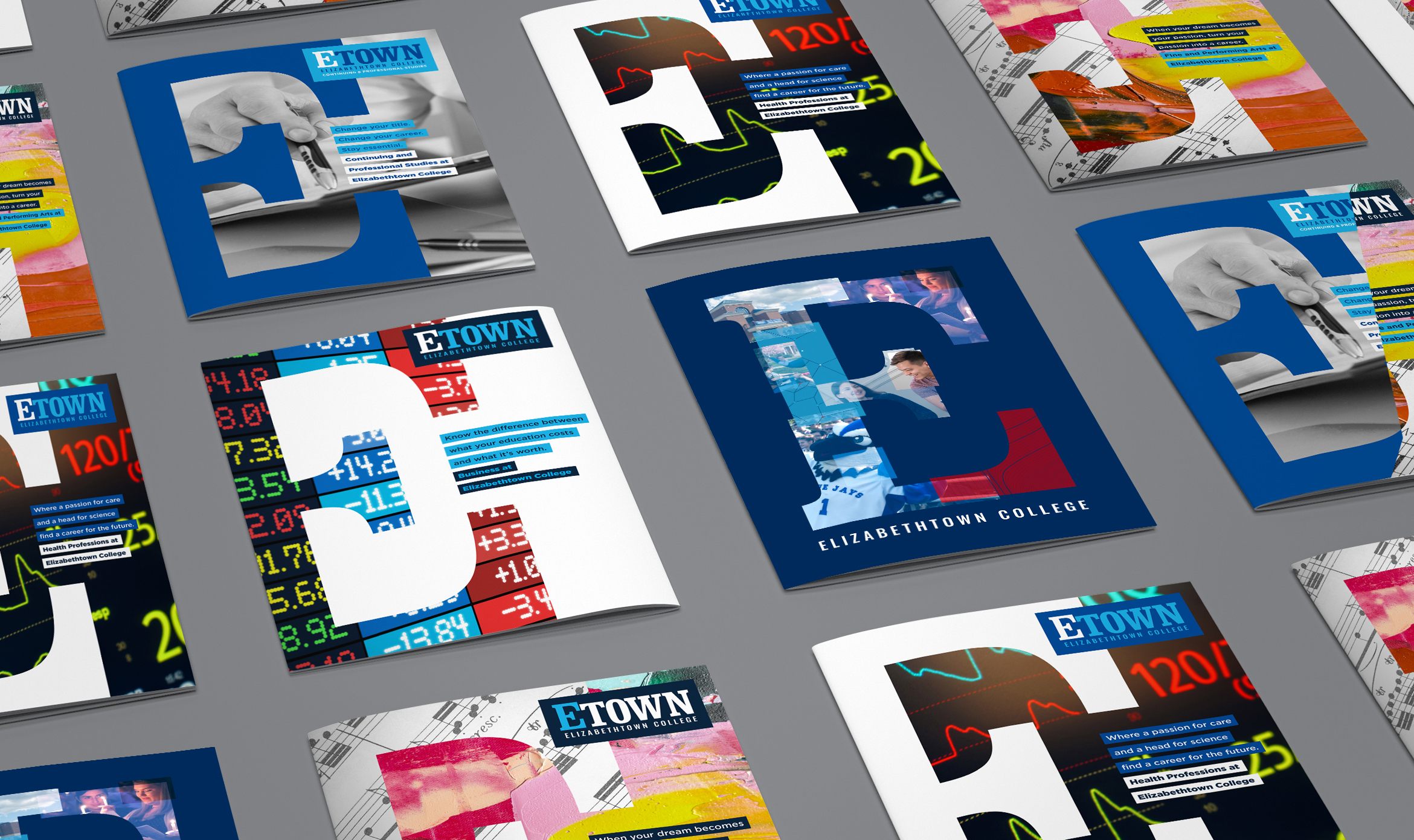
Creative Templates
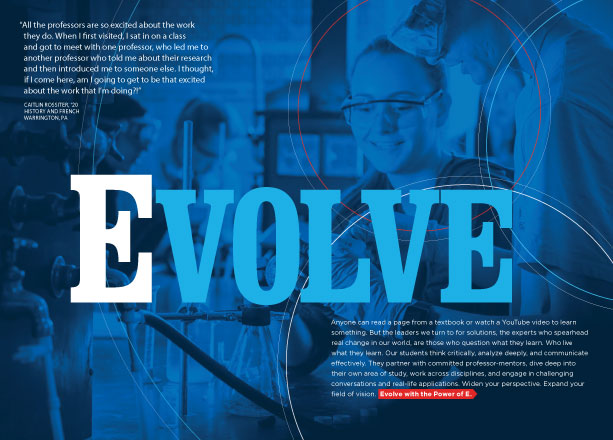
Digital Assets
The Guidelines
and resources on this site are designed to help you communicate your message in a way that is compelling to our audiences through intentional colors, typography, images, compelling messaging, and creative templates unique to Etown.
Brand Guidelines & Story



Brand in Action
Any special updates or additions to the Etown brand will be shared here.
Email us if you have any questions and we will be happy to help!

© 2024 Elizabethtown College