
Office of Student Activities
Live Out Loud at Etown
Welcome to the hub of student activities at Elizabethtown College! The Office of Student Activities (OSA) is the student-run central programming office on campus. OSA is responsible for planning and executing a wide variety of events for the entire campus. Whether you're looking to join a club, participate in a campus event, or start a new initiative, we're here to facilitate your journey.
The HUB in Brossman Commons is the home of OSA and the place for event sign-ups, ticket purchases, and information on the latest happenings around campus!
View Student Events Portal View OSA Events Portal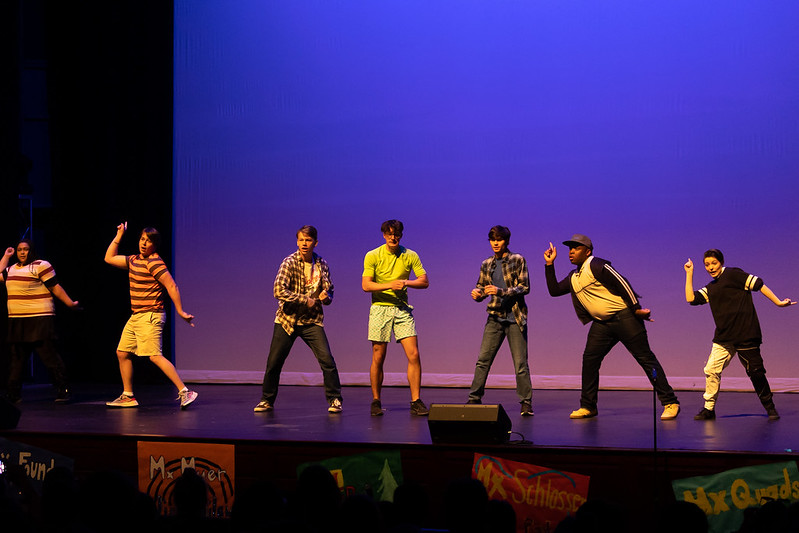
HUB Academic Year Hours
Monday - Friday | 10 a.m. - 7 p.m.
Brooke Hollinger
Assistant Director of Student Activities & Commuter Engagement
717-361-3676 | hollingerbrooke@etown.edu
Clubs & Organizations
We want you to build a college experience that's right for you and student clubs and organizations are big part of that. There are 80+ clubs and organizations for you to join; if you don't see one that interests you, we'll help you to start your own. Whether you're looking to try a new sport, connect with your peers, become politically active or want to serve the local community, there's always something new to try at Etown!
View Clubs & OrganizationsPop-Up Events & Conrad's Corner
Conrad's Corner is Etown's on-campus pop-up pub, where students can come together for a wide-range of events on Friday and Saturday nights. Conrad’s Corner is free and provides snacks, alcoholic and non-alcoholic beverages to students. If you are 21 and older, you may get one free drink per hour with a wristband - Student ID Required.
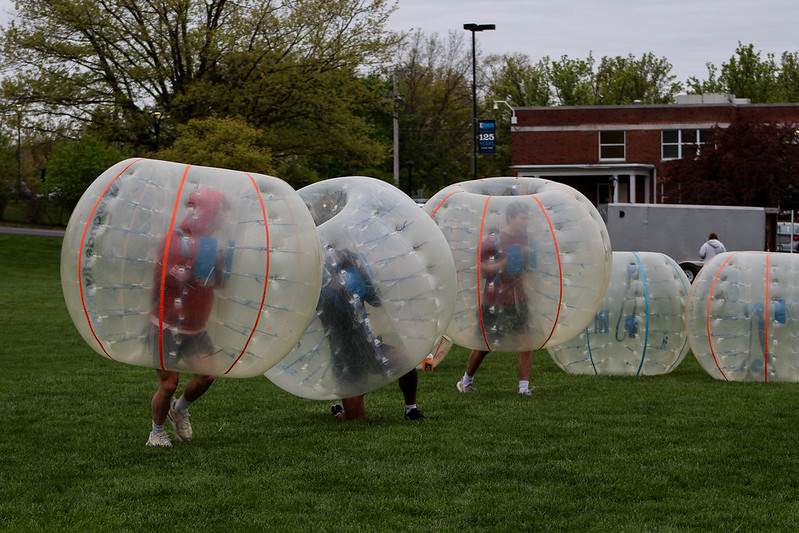
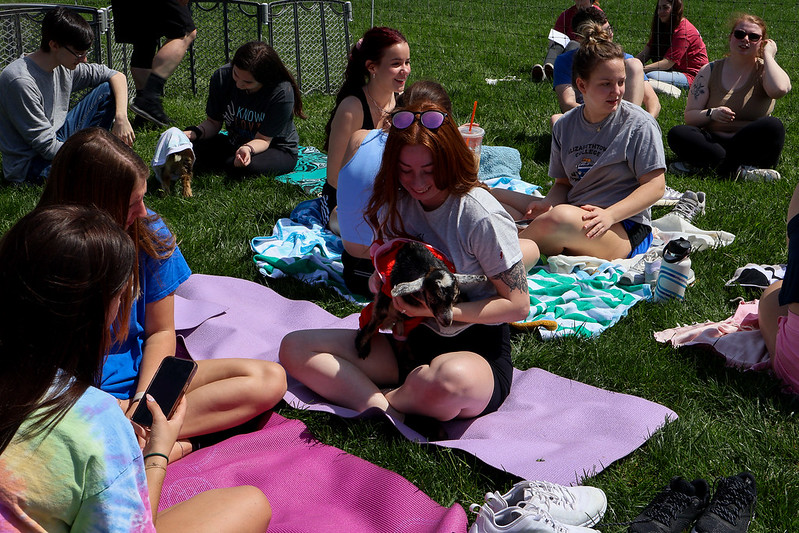
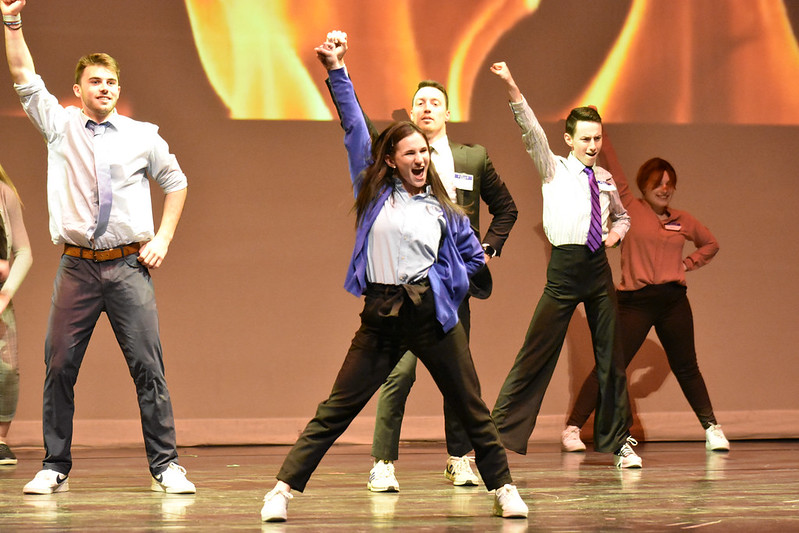
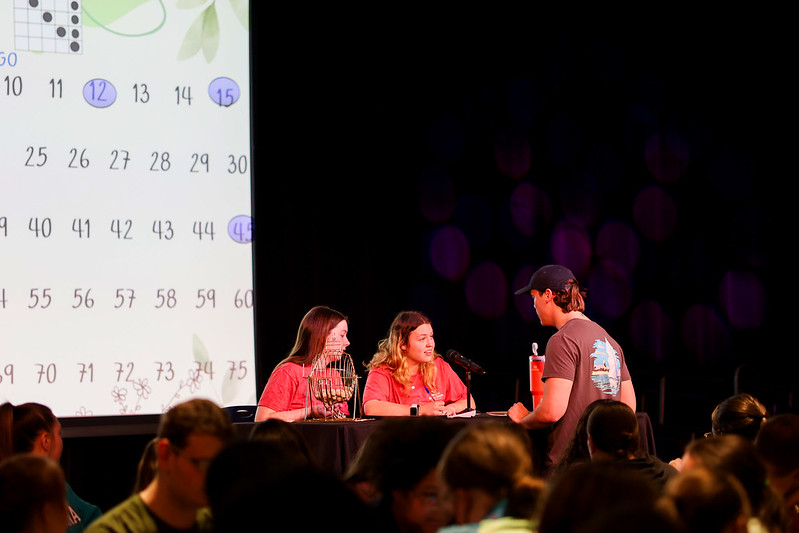
OSA also hosts other events throughout the academic year like Bingo, movie nights, speakers, music performances, hypnotists, slam poetry and more.
View OSA Events Portal
RecRe Box
RecRe is an automated equipment check out system that grants Etown users’ easy access to equipment for extended hours of the day. Borrow the items you need, when you need them, without the hassle!
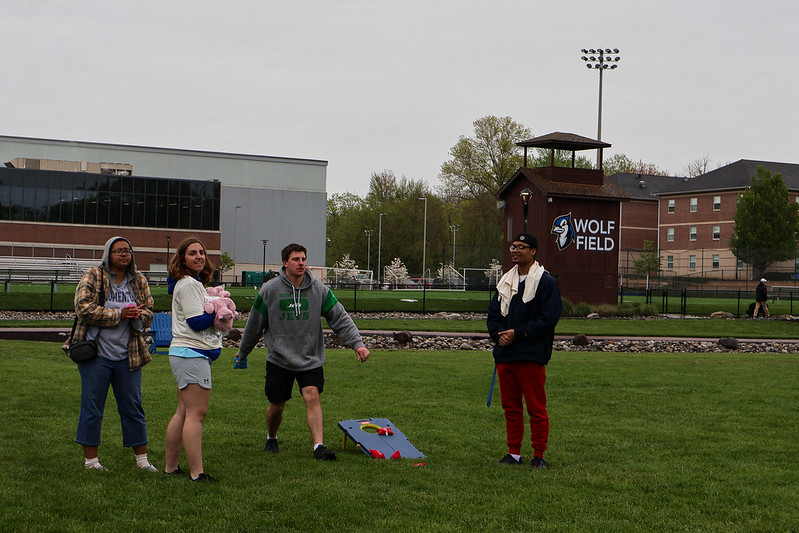
Our two boxes on campus are located behind the Bowers Center next to the sand volleyball court and in the Bird Cage of the BSC. Our RecRe boxes house items such as ping pong, foosball, board games, Spikeball, card games, billiards set, basketballs, footballs, pickleball set, Kan Jam, soccer ball, frisbees, tennis items and more!
How it Works:
- Scan the QR code with your phone and create a free account.
- Select the item you’d like to borrow and start your rental. The door with automatically open.
- Enjoy! Come back to the box and scan the QR code to initiate your return.
Discover what’s available in the box: https://app.recrebox.com/team/elizabethtown-college
Publicity & Policies
Learn about our posting policies within the BSC and how to get your department and club's announcements up and visible.
Office of Student Activities oversees all posting inside the BSC including but not limited to railing banners, window markers, flyers, concourse wires, walls, etc. OSA reserves the right to take down anything not approved that is posted or hung in the BSC at any time.
All approved student organizations and College offices or departments can submit flyers to the Office of Student Activities to be publicly posted in the BSC. OSA staff will approve, hang, and remove all postings. Approval for postings happens in the HUB (to the left of mail services) and operating hours are Monday - Friday from 10 a.m. to 7 p.m.
General Guidelines
- Postings can be up to 8.5 x14
- Up to 4 copies of a posting can be dropped off at the Hub; OSA will not make copies or print emailed postings
- Approved postings will be hung within 24 hours (items dropped off on Friday will be hung on Monday)
- Postings will be removed and discarded after the event deadline
- All postings must clearly identify the sponsoring student organization or college department
- Only OSA staff may hang and remove postings on bulletin boards and flyer strips throughout. Posting on walls, railings, etc. is prohibited
- Are not from a College -approved organization
- Violate law or College policy
- Promote or incite behavior violating law or College policy
- Constitute a demonstrable threat or harassment
- Defame an individual or group
- Consist of obscene images, photos, or representations
- Unreasonably invade individual privacy
- Contain unapproved commercial advertisements
- Disrupt the normal operations of the College
Important Note: Postings in the Residence Halls must be submitted to the Office of Residence Life for approval. Posting in academic buildings is at the discretion of the specific offices and departments that are housed in each building.
OSA-made banners or BSC Window Art can be requested via Jayweb. Use of the marquee at the bottom of The Marketplace stairs can be requested by emailing OSA@etown.edu.
Two Week Rule
- Requests must be submitted a minimum of two weeks (14 full days) before the day your club/department wants the banner/window markers completed and hung. (i.e. If you want the banner hung on Sept.15, it needs to be filled out on or before Sept. 1 or it will not be considered.)
Time Hung
- The banner and window requests will only stay up for seven days.
- If your club/department would like the banner to stay up longer than seven days, then another banner request form must be submitted. Again, this is not guaranteed as this is based on a first-come, first-served basis and space available.
Additional Information
- These request are completed on a first-come, first-served basis and rush orders are not accepted.
- Submitting a request does not guarantee our ability to complete it.
- There is limited space for banners - please keep this in mind.
- Double check the information before submitting the request as it will be written exactly how it is submitted.
- All banners hung must be created by OSA Publicity. Clubs/departments are not permitted to create and hang their own banners, handmade or printed.
- OSA Publicity reserves the right to make changes or reject your request at any time.
Approval for use of wires on second floor over concourse and posting on the wall across from the HUB must be approved through Brooke Hollinger. If approval is not obtained they will be removed without notification.
Table tents are located on each table in The Marketplace and are available for promotion of services and events to the campus community. Departments and clubs can submit pre-made graphics to be included in these tables tents as outlined below.
Table tents can be requested via email to Brooke Hollinger, hollingerbrooke@etown.edu. Requests must be submitted a minimum of three weeks before the day of your club/departments event. The promotion will stay up for one week before the event, after which it will be removed. Requests will be received on a first come, first serve basis.
Guidelines:
- Size: 5” length x 7” height
- Amount to print: 46
- The club/department must print graphics/flyers out in color and cut them appropriately. It will not be on OSA staff members to print out the graphics and cut them.
- Hierarchy: The most important info should be at the top of the sign with details, dates, and times underneath.
- Use the 5 W's: Who, What, When, Where, and Why?
- College Affiliation: It must be clear what department/club is promoting and associated with the sign.
- Background: Use gradients or solid colors for the background. Do not use a photo because the text will be hard to read.
- Font: Use easy to read fonts. Thin and cursive font is hard to read. Think about using high contrast colors, such as dark colored fonts on light backgrounds and vice versa.
Additional Information:
- Submitting a request does not mean your flyer will be displayed.
- Double check the information before submitting the request. OSA is not responsible for incorrect information or grammar/spelling errors.
- OSA has final say in all submissions and reserves the right to reject requests at any time based on failure to comply with guidelines.
- Graphics must be used to promote Elizabethtown College Campus events, groups, or news. Unrelated submissions will be rejected.
- Any use of the Elizabethtown College Logo must be in compliance with the OMC Logo Guidelines.
For further questions, please contact Brooke Hollinger or Whitney Crull.
Etown Involve
Etown Involve is the central hub for campus life at Elizabethtown College. It makes it easy to stay informed, discover events, get involved in student organizations, participate in the Blue Print Program, and access important campus resources.All OSA events use Etown Involve for event check-in. To ensure a smooth check-in experience, download the app before attending events.
Getting Started:
- Search for “Modern Campus Involve” in the Apple App Store or Google Play.
- Download the app and select Elizabethtown College from the list of schools.
- Open the menu in the top-left corner and log in using your Etown credentials.
All questions can be directed to:
Brooke Hollinger
Assistant Director of Student Activities & Commuter Engagement
Phone - 717-361-3676
Email - hollingerbrooke@etown.edu